
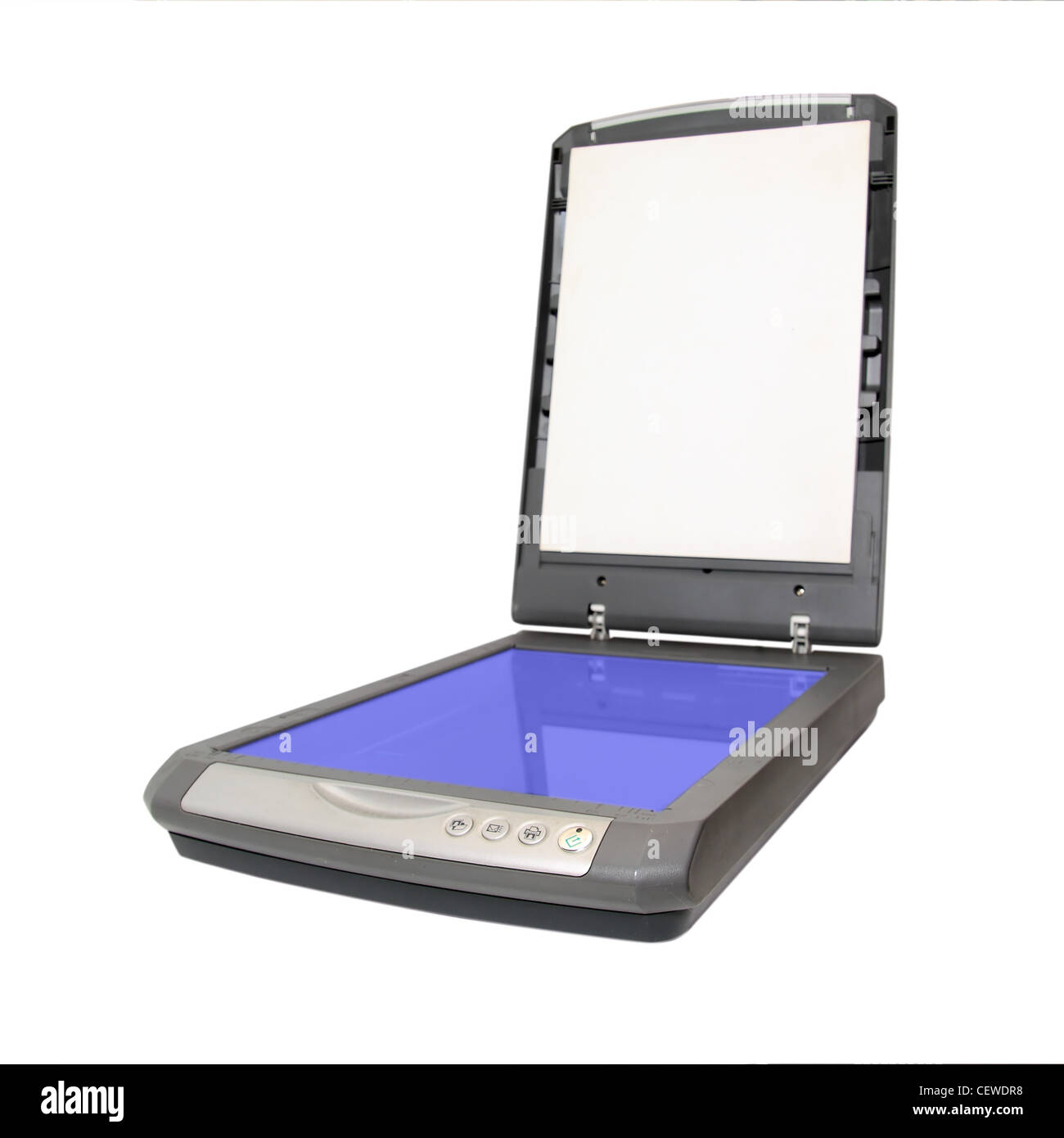
Document scanners are fundamentally different from photo scanners. Where photo scanners optimize for image quality and color fidelity, document scanners optimize for speed, OCR accuracy, and workflow automation. If you’re running a home office, a small business, or just tired of drowning in paper, a good document scanner is one of the highest-productivity investments you can make.
What Makes a Document Scanner Different
Document scanners are built to handle paper — stacks of it, fast. They use Sheet-Fed or Dual-CIS technology that pulls pages through a feeder one after another. Most support duplex scanning (both sides at once), automatic color detection, and deskewing (straightening crooked scans). The killer feature for most users is OCR — Optical Character Recognition — which converts scanned images into searchable, selectable text.
If you’ve ever tried to search a PDF scan for a specific word and gotten nothing, that’s a scanner without good OCR. For a full home digitization workflow that includes photos alongside documents, see our complete guide to digitizing photos. Modern document scanners from Fujitsu, Brother, and Epson produce OCR accuracy rates above 99%, which means your scanned documents are fully searchable just like a native digital file.
Key Features That Actually Matter
Pages Per Minute (PPM): This is the headline spec, but don’t get seduced by high numbers. 40 PPM sounds great until you realize that’s for 300 DPI black-and-white documents. Color scanning typically halves the speed. Duplex (two-sided) scanning either doubles effective throughput or halves it depending on whether you’re counting sheet sides or physical pages. Look for “simplex” and “duplex” PPM specs separately.
Automatic Document Feeder (ADF) Capacity: If you’re scanning more than 20 pages at a time, you need a decent ADF. 50 sheets is standard for mid-range scanners. Some go up to 100. The Fujitsu ScanSnap iX1600 holds 50 sheets, which is enough for most daily workflows. Budget scanners often have 20-sheet ADFs or no ADF at all — read the fine print.
Daily Duty Cycle: This tells you how many scans per day the scanner is rated for. A scanner rated for 1,000 pages per day will have a much shorter lifespan if you’re pushing 500 pages through it daily. For home office use, most scanners are overbuilt. For small business use, check this spec carefully.
Software Ecosystem: This is where scanner brands diverge sharply. Fujitsu’s ScanSnap software is widely considered the best — it automatically names files, sorts documents into folders, extracts data from receipts and business cards, and integrates with Dropbox, Google Drive, QuickBooks, and more. Brother’s software is functional but less polished. Epson’s ScanSmart software is decent but the OCR accuracy trails Fujitsu.
Connectivity: USB is universal. WiFi is increasingly common and genuinely useful for shared办公 setups. Some scanners appear as network devices, meaning any computer on the same network can scan to them without being physically connected.
The Best Document Scanners for 2026
Best Overall: Fujitsu ScanSnap iX1600
The Fujitsu ScanSnap iX1600 is the de facto standard for home and small business document scanning, and it’s not close. 40 sheets per minute simplex, automatic color detection, blank page removal, deskewing, and what Fujitsu calls “One Button” operation — you press one button and the scanner handles everything: scans, organizes, names, files, and can send directly to your cloud storage.
The software is the secret weapon. ScanSnap Home (included) uses AI to automatically categorize documents — receipts, business cards, photos, mixed batches. It extracts dates, amounts, vendor names from receipts and creates searchable PDFs. For the home office or small business running paperless workflows, this scanner pays for itself in time saved within the first month.
The iX1600 scans to USB, WiFi, or as a network scanner. It handles documents up to 11 inches wide and accommodates most paper weights. The 50-sheet ADF is ample for most work. It doesn’t have an ethernet port, which matters if you need wired network access. For most people, WiFi works fine.
Price: ~$400-450 on Amazon
Best for: Home offices, small businesses, anyone serious about going paperless
Best Value: Brother ADS-1700W
If $450 is too much and you want something that covers 90% of the same ground, the Brother ADS-1700W is the scanner to beat at this price point. 25 PPM simplex, duplex, WiFi, USB, and a 20-sheet ADF. The software (Brother Document Capture Pro) is less polished than Fujitsu’s but functional, with decent OCR and basic cloud integration.
It scans cards (ID cards, credit cards) and handles mixed batches reasonably well. The touchscreen interface lets you scan directly to common destinations without a computer — scan to USB, email server, FTP, SharePoint, or cloud services. For the price, it’s genuinely capable.
Price: ~$200-230 on Amazon
Best for: Home offices on a budget, light scanning workloads (under 100 pages/day)
Best Portable: Epson WorkForce ES-300W
The Epson WorkForce ES-300W fills an important niche: the portable scanner for road warriors, home health aides, field inspectors, and anyone who needs to scan documents where there isn’t a desk. It weighs just 2.7 pounds, runs on battery or USB power, and scans 25 PPM.
WiFi connectivity means it works without a computer — scan directly to an SD card or USB drive. The ADF holds just 20 sheets, which is the main limitation, but for on-the-go document capture it’s one of the few options that doesn’t feel like a compromise.
Price: ~$280-300 on Amazon
Best for: Mobile professionals, field workers, anyone who needs to scan away from their desk
What About All-in-One Printers with Scanners?
If you’re thinking “I’ll just use my printer’s scanner,” pause here. The flatbed scanner on most all-in-one printers is designed for occasional use — a few pages a week. They’re slow, the ADF capacity is minimal, and the OCR software is usually basic. If you’re scanning more than 10 pages at a time on a regular basis, a dedicated document scanner will save you hours of frustration and produce dramatically better results.
Our Recommendation
For most home offices and small businesses, the Fujitsu ScanSnap iX1600 is the clear choice. The software alone justifies the price, and the hardware is reliable and fast. If your budget won’t stretch that far, the Brother ADS-1700W is an excellent fallback. And if you need to scan on the road, the Epson WorkForce ES-300W is worth every penny.
Affiliate disclosure: This page contains affiliate links. We earn a commission at no extra cost to you when you make a purchase through our links.
Related Guides: Complete Guide to Digitizing Photos in 2026
📬 Get new guides in your inbox: Subscribe to the newsletter →
Leave a Reply