
As an Amazon Associate I earn from qualifying purchases.
Once the scans leave the scanner, you still need a place to park the files. A portable 2.5" hard drive is the boring, high-capacity shuttle for digitized photo archives: plug in, copy the week’s TIFF/JPEG exports, then shelve a second copy at home. This roundup compares three in-stock portable HDDs aimed at archive offload — not the portable SSD set already covered on Digitize Your Life, and not a NAS kit.
Stock checked the same day as this draft. No prices here — check the live Amazon listing the day you buy.
Quick kit
- Seagate Portable 2TB — everyday USB 3.0 plug-and-play HDD for Windows and Mac (reformat notes on the listing).
- WD My Passport 2TB — portable HDD with password protection and ransomware-defense backup software on the listing.
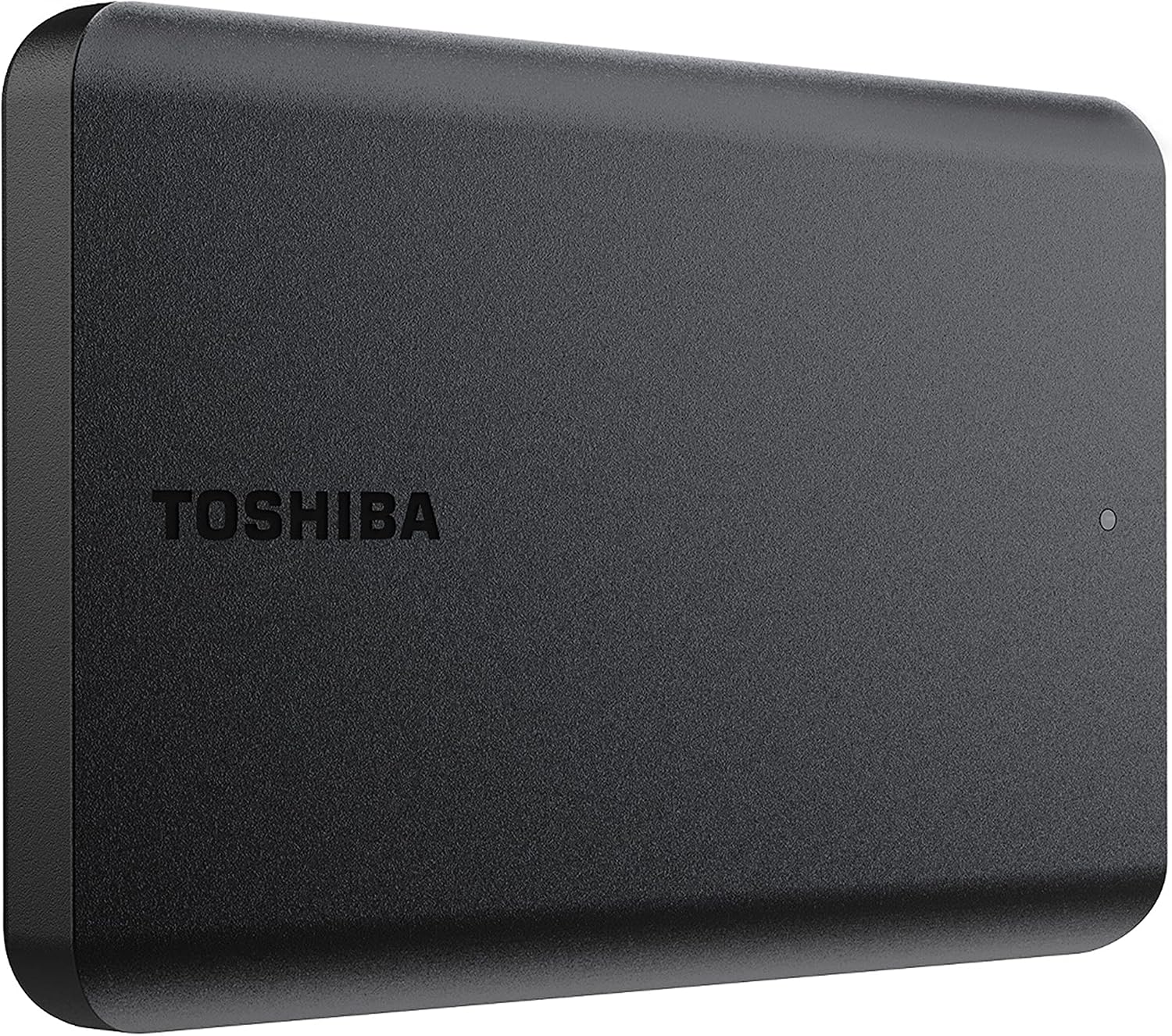
- Toshiba Canvio Basics 2TB — compact matte plug-and-play basics drive for simple drag-and-drop storage.
Why a portable HDD for digitized photos
Slide and print scans add up. A single weekend of high-resolution TIFF exports can fill a laptop SSD faster than you expect. Portable solid-state drives are great for day-of card offload, but cold archive capacity is still where spinning 2.5" HDDs earn their keep: more gigabytes per bag slot, USB-powered, no wall brick.
Keep the workflow honest: digitize → copy to portable HDD → verify folder counts → keep a second copy elsewhere when you can. The drive is a shuttle and archive shelf, not your only backup. Label the enclosure by year or project so you are not guessing which “photos” volume is which six months later.
Seagate Portable 2TB (STGX2000400)
Live listing title: Seagate 2TB Portable Hard Drive | USB 3.0 (STGX2000400).
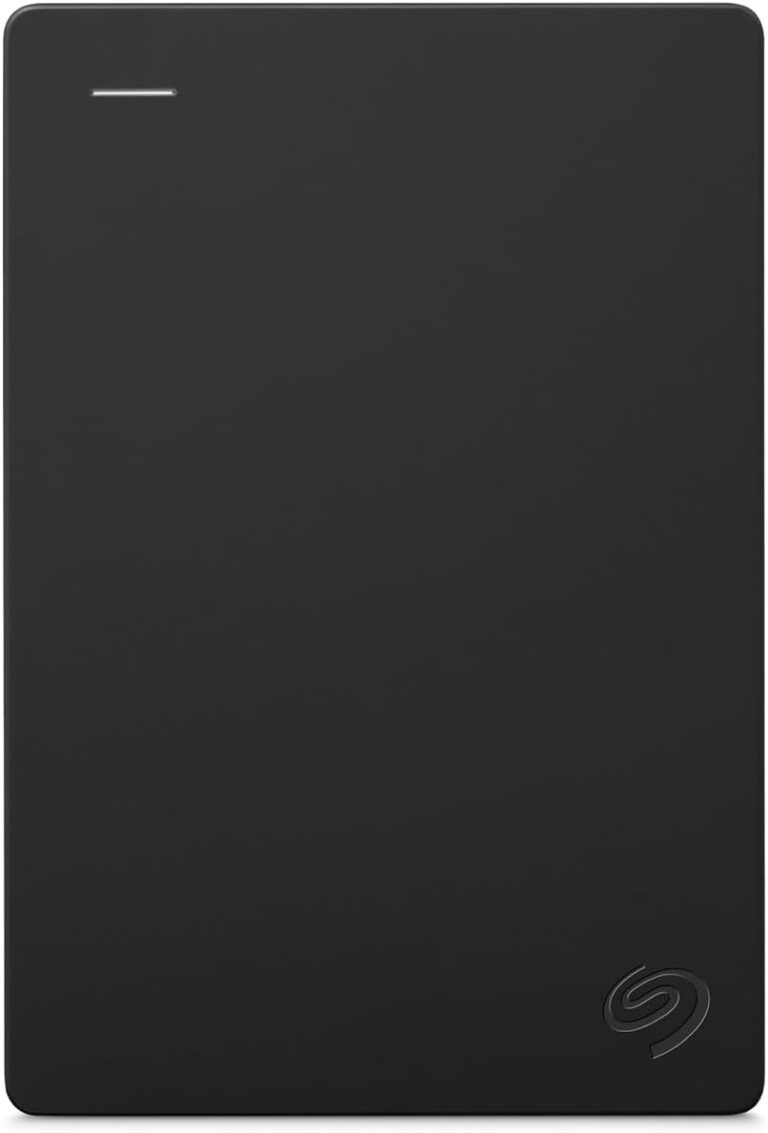
is the everyday pick in this set. The listing frames it as a USB 3.0 portable HDD for PC, Mac, and console-friendly plug-and-play backup — drag and drop, included USB cable, no extra power brick. Capacity is 2TB of spinning storage, which is usually enough for a large batch of scanned albums before you rotate to a second drive.
Choose Seagate Portable when you want a simple, widely available shuttle for finished scans and do not need password gates on the drive itself. Reformat notes apply for some Mac workflows — read the listing before you wipe a volume that already holds data. This is a hard disk drive, not a portable SSD.
WD My Passport 2TB (WDBYVG0020BBK-WESN)
Live listing title: WD 2TB My Passport, Portable External Hard Drive, Black, backup software with defense against ransomware, and password protection, USB 3.1/USB 3.0 compatible – WDBYVG0020BBK-WESN.
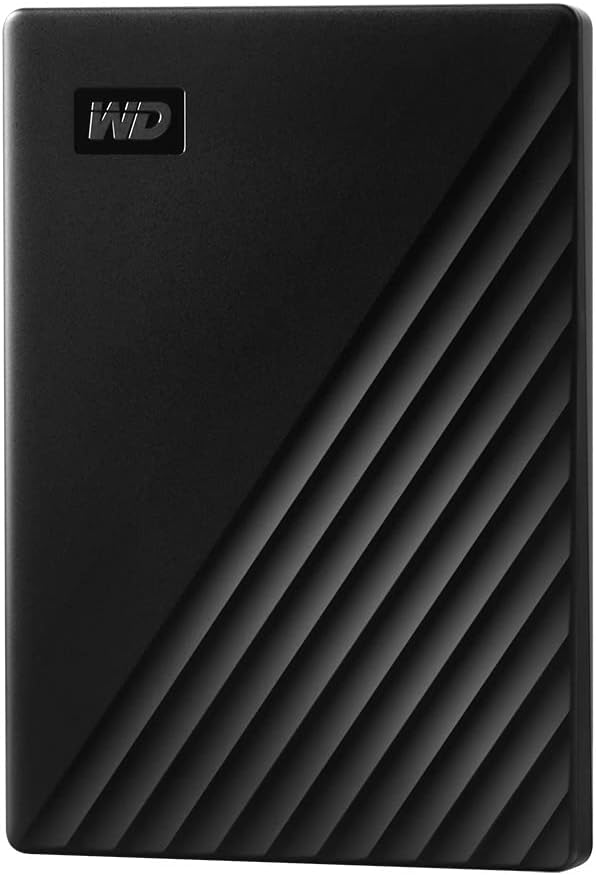
is the locked-down option. The listing highlights password protection with hardware encryption plus device-management / backup software that includes ransomware-defense framing — useful when the drive carries family scans or client galleries and a lost bag should not equal an open folder.
Pick My Passport when encryption and a password gate are part of your handoff policy. It is still a spinning portable HDD, not the My Passport SSD from our portable SSD roundup — keep the labels straight when you compare ASINs. Download and install any included software only from the vendor path the listing describes; software terms can apply.
Toshiba Canvio Basics 2TB (HDTB520XK3AA)
Live listing title: Toshiba Canvio Basics 2TB Portable External Hard Drive USB 3.0, Black – HDTB520XK3AA.
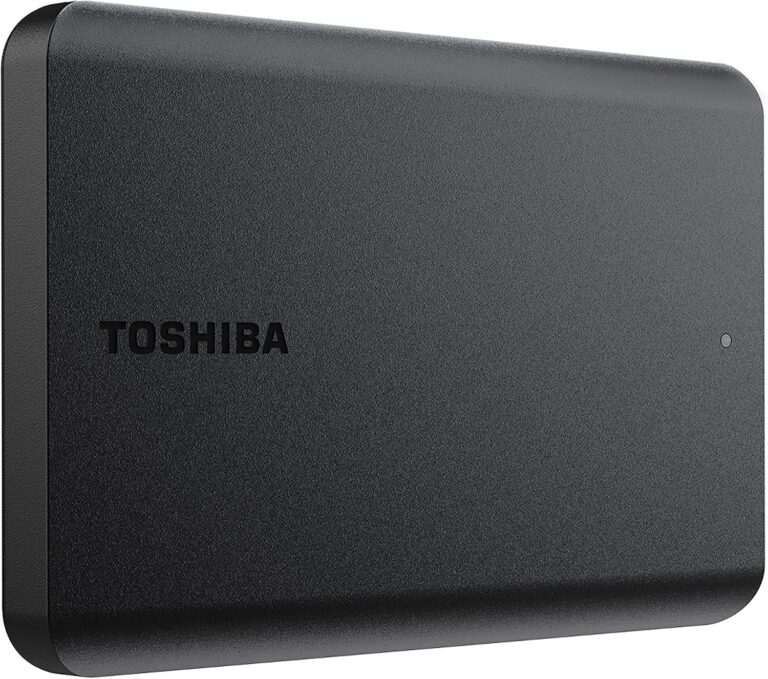
is the compact plug-and-play basics drive. The listing emphasizes a sleek matte enclosure, USB 3.0 / USB 2.0 compatibility, no external AC cord, and NTFS formatting for Windows (reformat for Mac). No fancy feature stack — just capacity you can drop scanned folders onto.
Use Canvio Basics when you want a lightweight second or third archive volume without encryption software in the loop. Same rule as the others: verify a few folders after copy before you delete scanner working files from the computer.
How to choose
- Security vs simplicity. Password gate and ransomware-defense software framing → WD My Passport. Straight drag-and-drop shuttle → Seagate Portable or Toshiba Canvio Basics.
- Bag fit. All three are pocketable 2.5"-class portable HDDs. Canvio Basics leans “smallest daily carry”; Seagate Portable is the familiar everyday box; My Passport adds the lockable handoff.
- HDD vs SSD. These are spinning hard drives for archive capacity. If you need day-of card offload speed and shock resistance in a camera bag, use a portable SSD set instead — do not treat this post as that roundup.
- Verify habit. After each digitize session, open the destination folders and spot-check file counts before you clear scanner cache or working disks. Two copies beat one fast copy.
What this post is not
Not a remap of the portable SSD post (T9 / Extreme / My Passport SSD). Not the local 3-2-1 NAS kit. Not film scanners, ClearClick, light pads, binder pages, or archival photo boxes. Three portable hard drives for digitized photo archives — spinning HDD shuttles only.
Leave a Reply