
As an Amazon Associate I earn from qualifying purchases.
Scanning a shoebox of family prints is only half the job. The other half is getting those photos in front of the people who want to see them, especially the grandparents who don’t scroll a phone all day. A Wi-Fi digital photo frame turns your scanned library into a slideshow on a kitchen counter, and the right one lets you add new photos from your own house. This roundup compares three 10-inch-class Wi-Fi frames that were in stock on Amazon the day this was written. Each one handles sending photos a little differently.
There are no prices on this page, so check the live Amazon listing on the day you buy. If you haven’t scanned your prints yet, start with our photo scanner guide, then come back here.
Quick kit
- Skylight 10″ touchscreen: the simplest email-to-frame setup. The frame gets its own Skylight email address.
- Pix-Star LUX 10.4″: the most ways to load photos (email, app, USB stick, SD card), a 4:3 screen, and the listing says no subscription fees.
- THOMSON 10.1″ with 32 GB: the budget app frame, with built-in storage, an SD/USB slot, and a battery so it can move around the house.
Before you buy: a frame is a display, not a backup
A photo frame is a nice way to show your scans. It is not a safe place to keep them. Frames get dropped, reset, or given away, and cloud accounts tied to a frame can change. Keep the originals in a 3-2-1 photo backup plan, and treat the frame as a copy you send photos to.
Also think about how photos will reach the frame. If the people sending photos are comfortable with email, an email-to-frame model is the easiest. If everyone uses a phone app, app sharing works fine. If the frame lives with someone who has spotty Wi-Fi, a frame that can also load from a USB stick or SD card gives you a backup path.
Skylight 10″ touchscreen: easiest email-to-frame
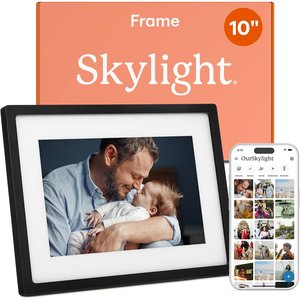
Live listing title: Skylight Digital Picture Frame, Load from Phone Capability, 10″ Black | No Subscription Needed, Touchscreen Digital Photo Frame, WiFi, Cloud-Based Storage.
The Skylight 10″ frame (B01N7ENHO6) is the pick when the person receiving photos wants zero setup. Per the listing, you plug it in, connect it to Wi-Fi, and choose a unique Skylight email address for the frame. After that, anyone with the address can email photos to it. It has a 10-inch color touchscreen at 1280×800 and uses cloud-based storage rather than SD cards. A Gift Mode lets you preload and personalize the frame before it’s unboxed, which helps if you want to load a batch of scanned family photos before handing it over.
The listing also describes an offline mode, so the frame keeps showing photos it already has when Wi-Fi drops. You still need Wi-Fi to receive or upload new ones.
About the subscription: the listing says “No Subscription Needed,” and the basic email-to-frame setup described there works without one. Skylight also sells an optional paid plan, Skylight Plus, and customer reviews on the listing say some extra features sit behind it. The listing doesn’t spell out which features those are, so check Skylight’s current terms before you buy if you’re counting on anything beyond emailing photos to the frame.
Pix-Star LUX 10.4″: most ways to load, no subscription fees
Live listing title: Pix-Star LUX 10.4” Wi-Fi Digital Picture Frame – Unlimited Cloud Storage, Easy App Sharing, 40,000+ Pictures, No-Glare Display, Motion Sensor, Email/App/USB/SD.
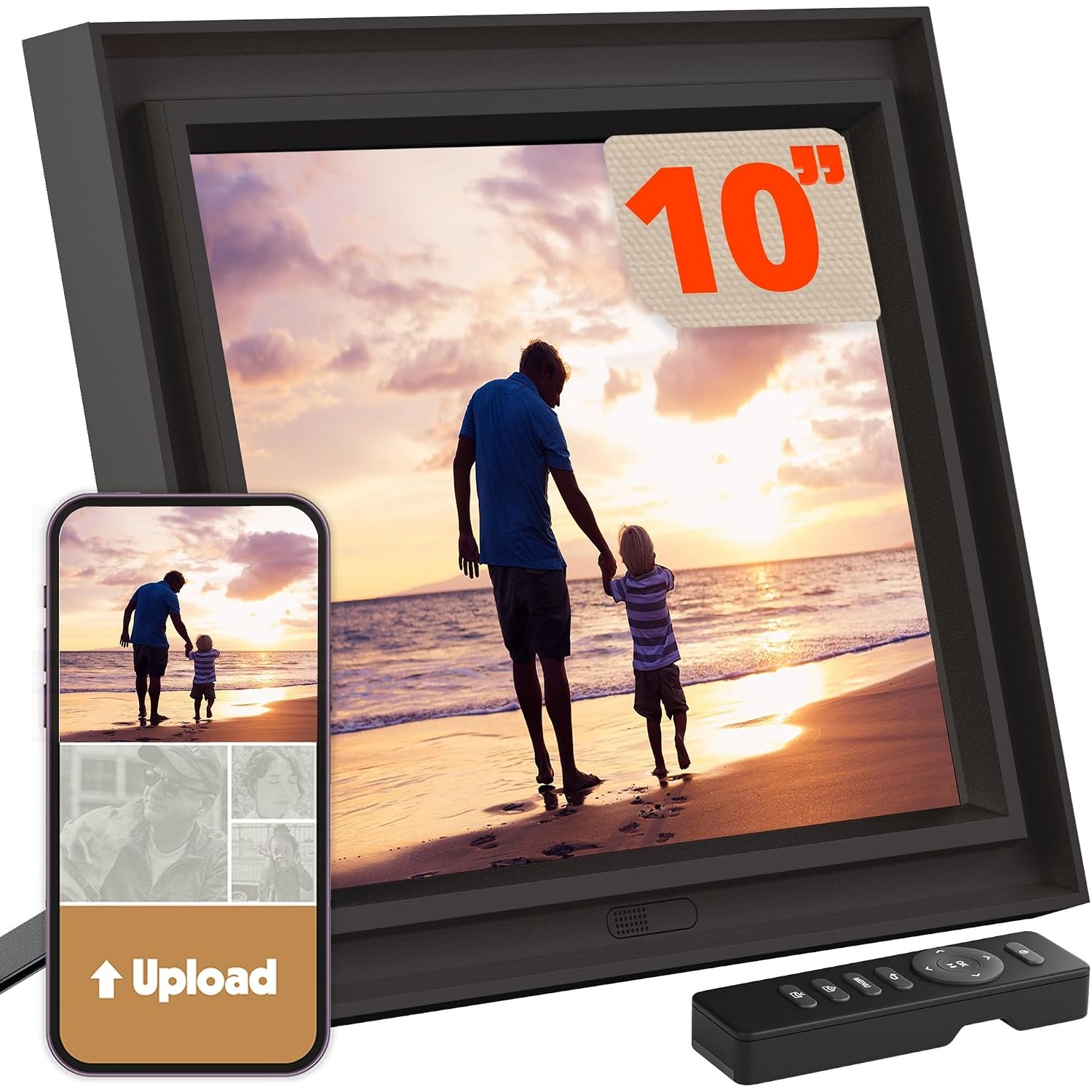
The Pix-Star LUX 10.4″ (B0FWD4SH55) is the most flexible of the three. The listing lists several ways to load photos: email to the frame’s own Pix-Star address, the iOS and Android app, syncing from online photo albums, a USB stick, an SD card, and sending photos from one Pix-Star frame to another. It says the unlimited cloud storage is free with no subscription fees, and one free online account can manage up to 25 Pix-Star frames remotely. That’s handy if you’re the family member who sets up frames for several relatives.
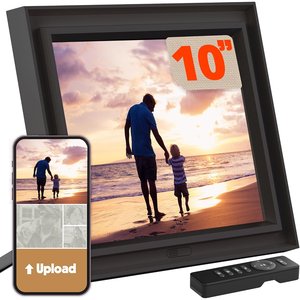
The screen is a no-glare IPS panel with a 4:3 shape. Most scanned prints are close to that shape, so expect less cropping than on a widescreen frame. That’s our inference from the ratio, not a listing promise. The listing also mentions a motion sensor to save power, sleep and wake hours, weather, web radio, a calendar, and simple brain games, and says the frame keeps working when Wi-Fi goes down.
THOMSON 10.1″ with 32 GB: the budget app frame
Live listing title: THOMSON 10.1 Inch Digital Picture Frame with 4000mAh Battery, 1280×800 HD IPS Touch Screen Digital Photo Frame with 32 GB, Auto-Rotate, Slideshow, Share Photos/Videos from Phone by App.
The THOMSON 10.1″ frame (B0D9W394Q7) is the pick for an app-sharing frame on a smaller budget. The listing says you share photos and short videos with the free “Thomson Smart Frame” app. It has 32 GB of built-in memory, plus an SD card slot and a USB slot, so you can copy a folder of scans straight onto it without any app at all. The 10.1-inch IPS touchscreen is 1280×800, it can stand or hang in landscape or portrait with auto-rotation, and a 4000mAh battery lets you move it off the cable for a while. The listing says it takes 2 to 3 hours to charge.
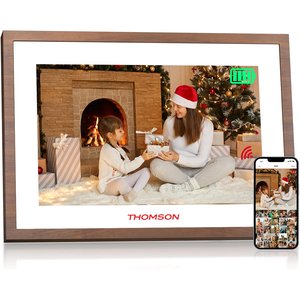
One note: this frame is sold by a third-party seller and fulfilled by Amazon. The listing mentions a 24-month warranty and technical support from the brand. Check the seller and warranty details on the listing when you buy.
Which one should you get?
For a grandparent who will never open an app, the Skylight is the simplest: the family emails photos, and they show up. If you want the most loading options, a frame that handles scanned prints well, and no subscription fees, the Pix-Star LUX is the most complete package. If you mostly want to copy a folder of scans onto a frame, or share through a phone app on a smaller budget, the THOMSON does it with its 32 GB of storage and SD/USB slots.
Frequently asked questions
Can I send scanned photos to a frame by email?
Yes, with two of these. The Skylight and the Pix-Star LUX each give the frame its own email address, per their listings. The THOMSON listing describes app sharing plus SD and USB loading, not email.
Do any of these frames need a subscription?
The Pix-Star LUX listing says its cloud storage has no subscription fees. The Skylight listing says no subscription is needed, but Skylight sells an optional Skylight Plus plan, and reviews say some extras require it. The THOMSON listing describes a free app.
Will the frame keep working if the Wi-Fi goes down?
The Skylight and Pix-Star listings both say the frame keeps showing existing photos without Wi-Fi. New photos need a connection. The THOMSON can also play photos from its built-in storage or an SD card or USB drive.
Is a photo frame a safe place to store my scans?
No. A frame is a display. Keep your originals in a 3-2-1 backup with a second copy on other media and one off-site, and send copies to the frame.
Leave a Reply