With so many photo scanners on the market, choosing the right one for your needs isn’t obvious. This comparison cuts through the marketing to match you with the best scanner for your situation — whether you’re digitizing a lifetime of family photos, converting 35mm film, or building a home office document workflow.
Quick Recommendations
- Best Overall Photo Scanner: Epson FastFoto FF-680W — Fast, automatic, great quality
- Best Budget Scanner: Canon CanoScan LIDE 300 — Under $100, solid quality
- Best Film Scanner: Epson Perfection V600 — Handles photos AND film
- Best Document Scanner: Fujitsu ScanSnap iX1600 — Speed and reliability
- Best Slide Scanner: KODAK SCANZA — Dedicated slide scanning under $200
Scanner Type Comparison
Dedicated Photo Scanners vs. All-in-Ones
Dedicated photo scanners (like the Epson FastFoto) are built specifically for photographs. They handle a wide range of photo sizes automatically, process dozens of photos per minute, and use software that optimizes for photo-quality output.
All-in-one scanners (like the Canon LIDE series) work for photos but are designed primarily for documents. They’re cheaper and more versatile for mixed use, but slower and less specialized for photo preservation.
Flatbed vs. Sheet-Feed
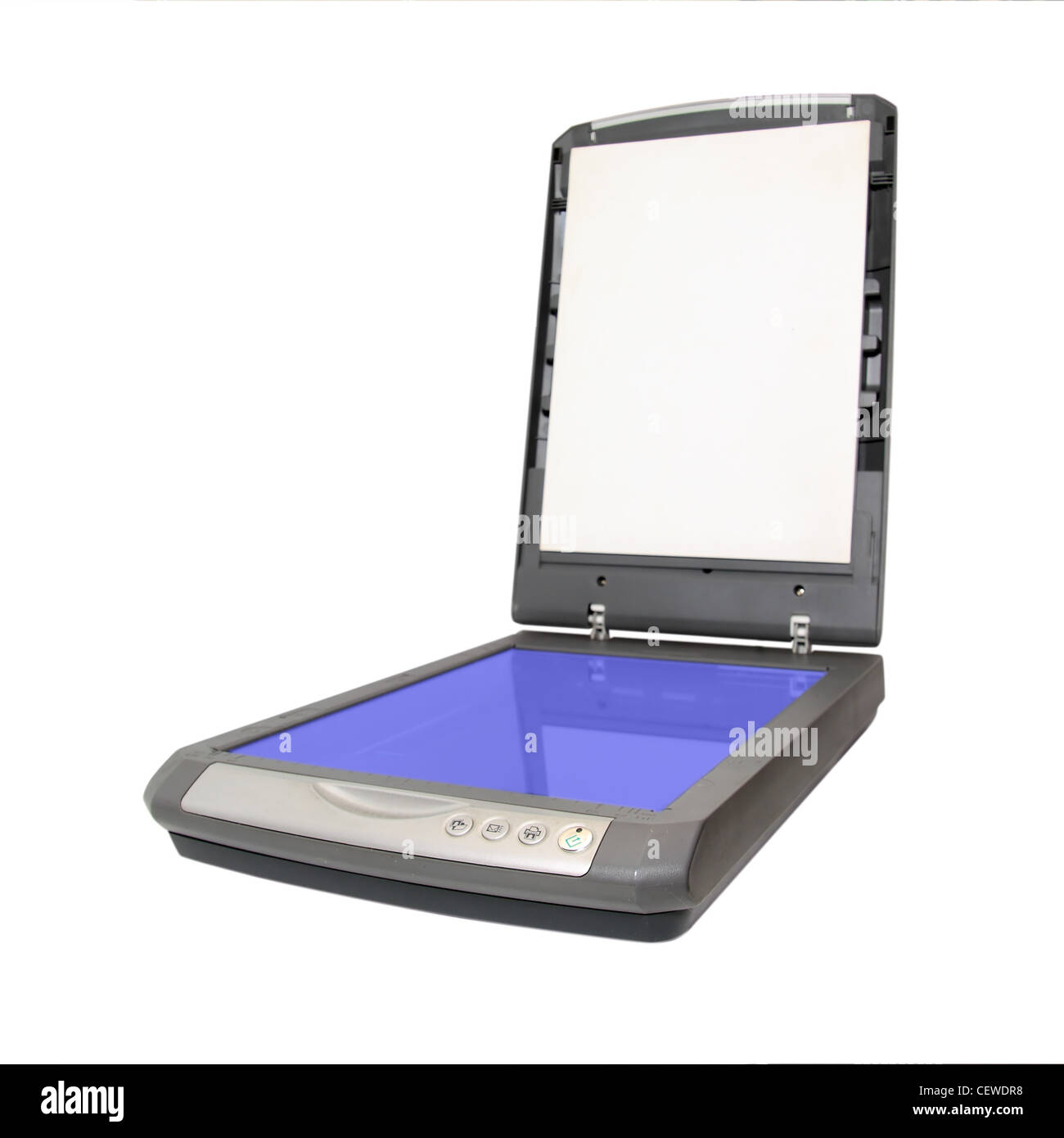
Flatbed scanners place your photo on a glass bed. Slower per photo but gentler — no mechanical stress on originals. Essential for damaged or fragile prints. The Epson V600 is the gold standard flatbed for photo quality.
Sheet-feed scanners pull photos through automatically, like a printer. Much faster (30-50 photos per minute for the FastFoto), but not suitable for fragile or non-standard sized originals. If you have 1,000+ photos to digitize, sheet-feed is the productivity choice.
Film Scanners
Film and slides require a different approach. Standard photo scanners can’t handle negatives — you need either a dedicated film scanner (like the KODAK SCANZA for slides) or a flatbed with a film holder (like the Epson V600 which includes adapters for 35mm and medium format).
Key Specs Compared
| Scanner | Type | Max Resolution | Speed | Price |
|---|---|---|---|---|
| Epson FastFoto FF-680W | Sheet-feed photo | 600 DPI | 36 ppm | $500 |
| Epson Perfection V600 | Flatbed photo/film | 6400 DPI | Slow | $280 |
| Canon CanoScan LIDE 300 | Flatbed compact | 2400 DPI | Slow | $90 |
| Fujitsu ScanSnap iX1600 | Sheet-feed document | 600 DPI | 30 ppm | $400 |
| KODAK SCANZA | Slide/film dedicated | 22 MP | ~2 slides/min | $170 |
Which Scanner Do You Need?
Have 500+ loose photos? Get the Epson FastFoto FF-680W. Nothing else processes that volume that quickly. The software auto-enhances each photo — color correction, rotation, de-skewing — all automatic.
Have film negatives or slides? Get the Epson Perfection V600. It’s the only consumer scanner that handles 35mm, 120/220 medium format, and photo prints in one machine, at a price most people can justify.
Just need occasional digitizing under $100? The Canon CanoScan LIDE 300 is the best entry-level option. No frills, reliable, good quality for the price.
Mostly documents with some photos? The Fujitsu ScanSnap iX1600 is the professional choice for mixed workflows. It’s what I use for document scanning — incredibly reliable, fast, and the software is excellent.
Just slides and 35mm film? The KODAK SCANZA is the dedicated budget solution. Not the sharpest output, but at $170 it’s accessible and does the job.
The Bottom Line
There’s no single best scanner for everyone. The right choice depends entirely on what you’re scanning, how much you have, and how much you want to spend. Use this guide to match your situation to the right tool — and check out our individual reviews for deeper dives on each category.
This comparison was last updated April 2026.
For more information, see our guide to best photo scanners.
For more information, see our guide to best slide scanners.
For more information, see our guide to how to scan film negatives.
For more information, see our guide to complete guide to digitizing photos.
Leave a Reply